
Training Hub
Overview
For how planning, the week, matches, and live sessions fit together as one coaching system, see Training Management.
Training Hub is CoachEye’s content library for training plans, drills, and reusable practice materials.
Use it to find ready-made content, save useful items, organize what matters most, and build a training process that is easier to repeat, adapt, and improve over time. Whether you are looking for a proven drill, a structured routine, or a starting point for your own session, Training Hub gives you one place to work with that content.
To author a new drill (six-step wizard, optional combined circuit), follow the Create New Drill — User Guide.
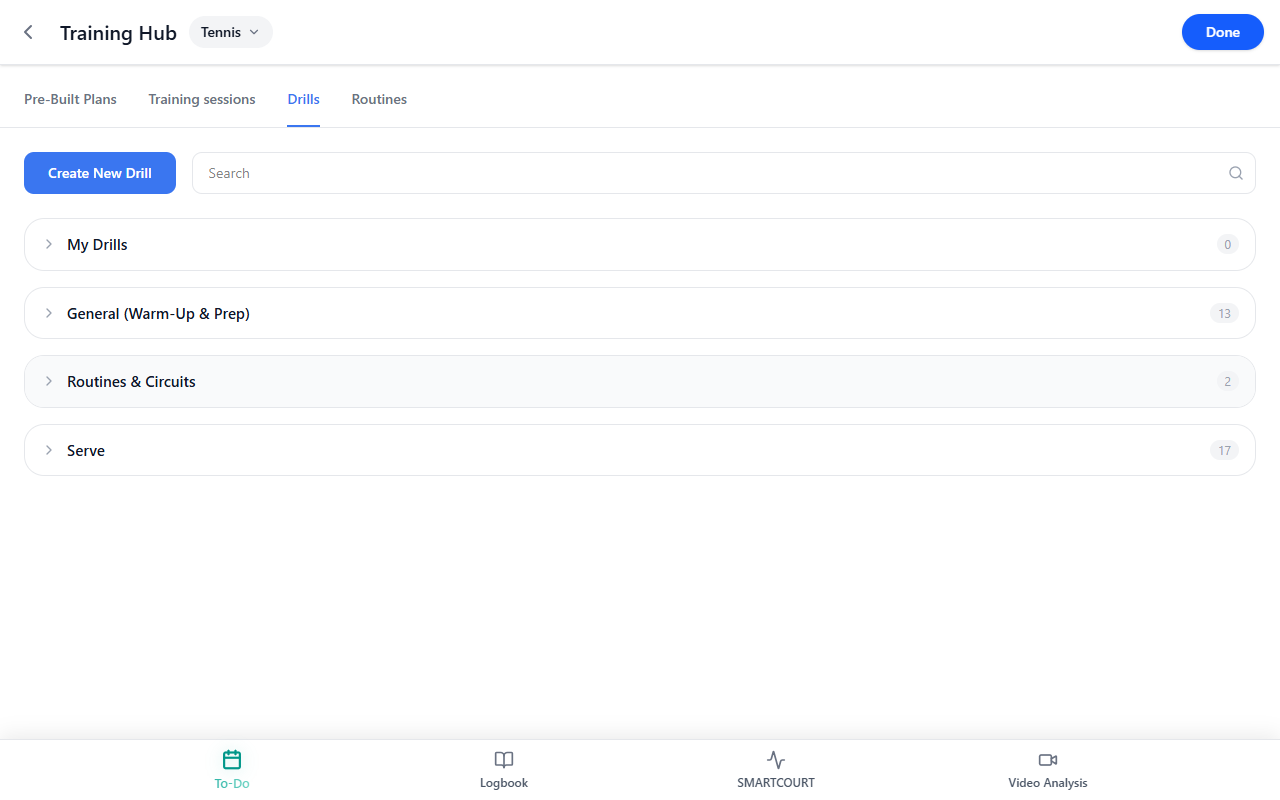
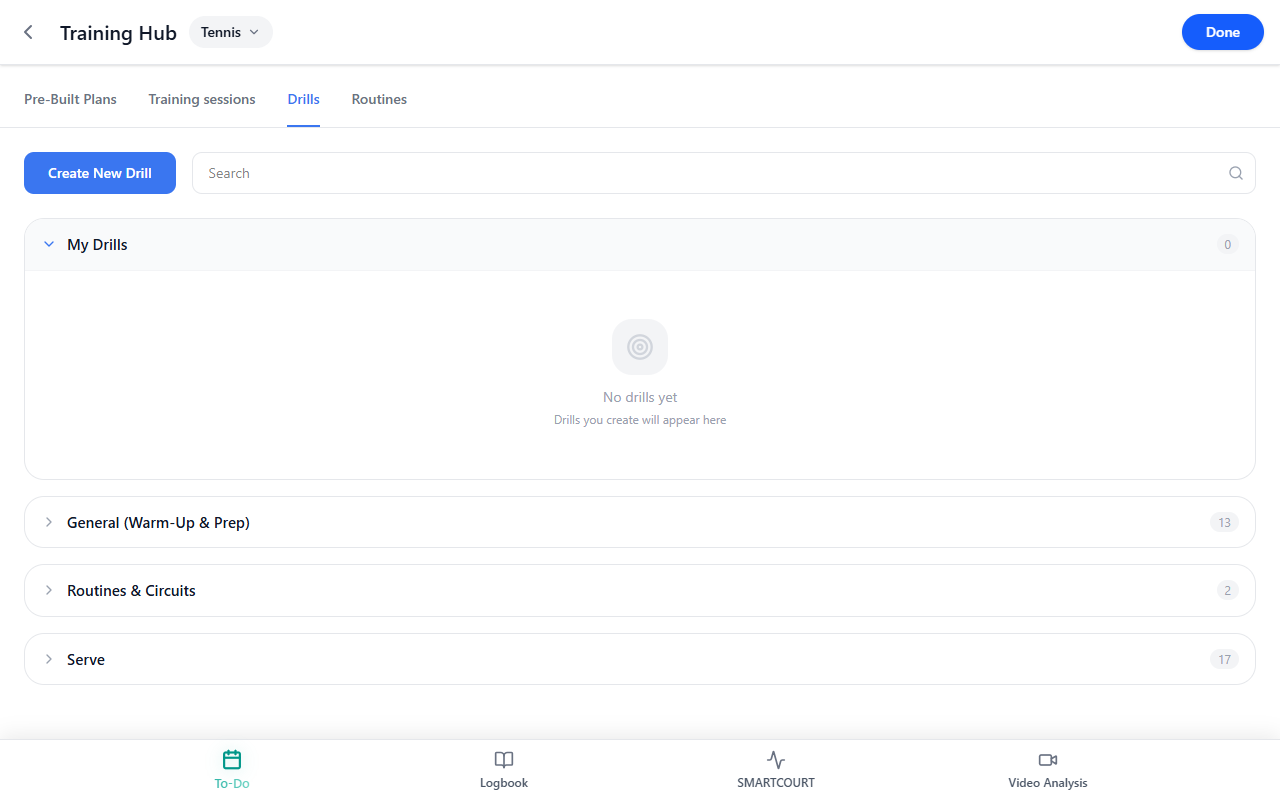
For a focused tour of the Drills tab—the category list, drill cards, thumbnail markings, and My Drills—see Drills Collection.
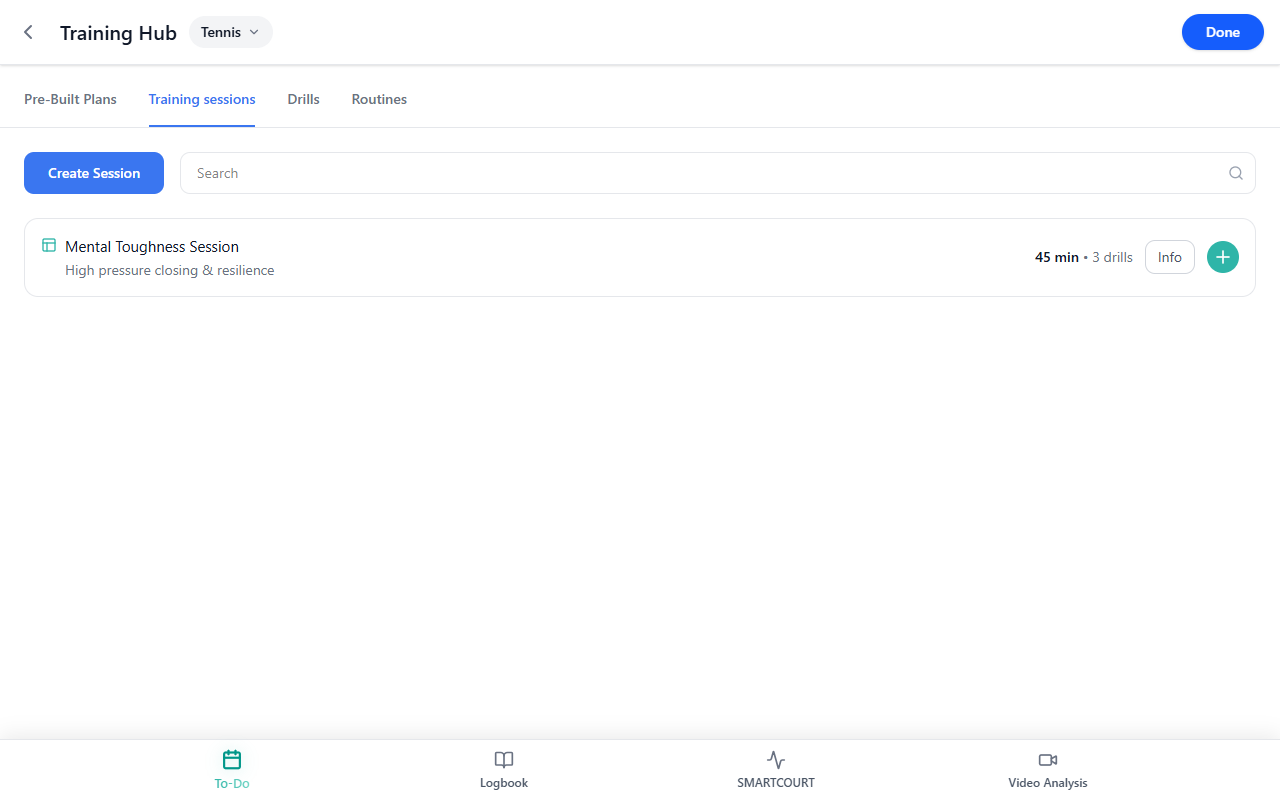
To compose training session templates (ordered drills, Main Focus, Key Elements, Save Session), see Training sessions.
This is useful for both guided and independent training. Coaches can use the library to build more consistent sessions across athletes, while players can rely on saved content to train with more structure outside of coach-led sessions.
Why this matters
Better training rarely comes from improvising everything from scratch.
A strong training process needs structure: repeatable drills, clear routines, and content that can be used again when it works well. That is what makes Training Hub valuable.
It helps users:
- find useful training content faster;
- work from ready-made drills and plans instead of rebuilding everything each time;
- save and reuse content that fits the athlete’s goals;
- and create a more methodical training process over time.
For athletes, this makes self-training easier to organize. For coaches, it reduces repeated setup work and supports a more consistent coaching process. For both, it creates a clearer link between planning, execution, and skill development.
What you can do here
In Training Hub, you can:
- create a new drill — full wizard from Basics through Review (optional Combined Drill / circuit);
- browse available training content;
- search for specific drills, plans, or saved items;
- use filters to narrow the library;
- open an item to view more detail;
- save useful content for later;
- go to Saved to review the items you want to keep close at hand;
- use selected content in planning or session-building flows when available — for example from Today, Add a session from Today, or Development Plans;
- work from ready-made training content or build your own reusable set over time.
This makes Training Hub both a discovery tool and a working library.
How Training Hub is organized
Training Hub is designed to help you move from broad discovery into focused use.
At a high level, users typically work through these layers: browse what is available, search for something specific, filter the results, open an item, save it if it is useful, and return to Saved when you want to reuse it.
This keeps content practical. Instead of losing helpful drills or rebuilding the same session ideas repeatedly, you can keep proven content close and use it again when needed.
Browse, search, and filter content
Use the main hub view to explore training content and narrow it down to what you need.
When you already know what you are looking for, use Search to find a specific drill, plan, or training item. When you want to narrow the library, use filters and categories to focus the results.
This is especially useful when a coach wants drills for a specific purpose, an athlete wants a repeatable routine, or the user needs to move quickly from a broad content library to a relevant short list.
Open an item and review details
Tap a training item to open it and review more detail.
This is where users move from the library view into actual content. Depending on the item, this may help you understand what the drill or plan is for, whether it fits your training goal, and whether you want to use or save it.
Opening details is an important step because it lets users judge whether a piece of content is right for the athlete instead of choosing only by title.
Save useful content and build your own working library
When you find content you want to use again, save it and return to it later in Saved.
This is one of the most useful parts of Training Hub. It means users do not have to start over each time: coaches can keep favorite drills and repeatable structures, athletes can collect routines they use for independent practice, and over time each user can build a more personal, reusable training library.
This is where ready-made content and personal training workflow come together. You can start from what is already available and gradually shape your own set of go-to materials.
Use content in training flows
When the app supports it, saved or selected items from Training Hub can be used in session-planning and training flows.
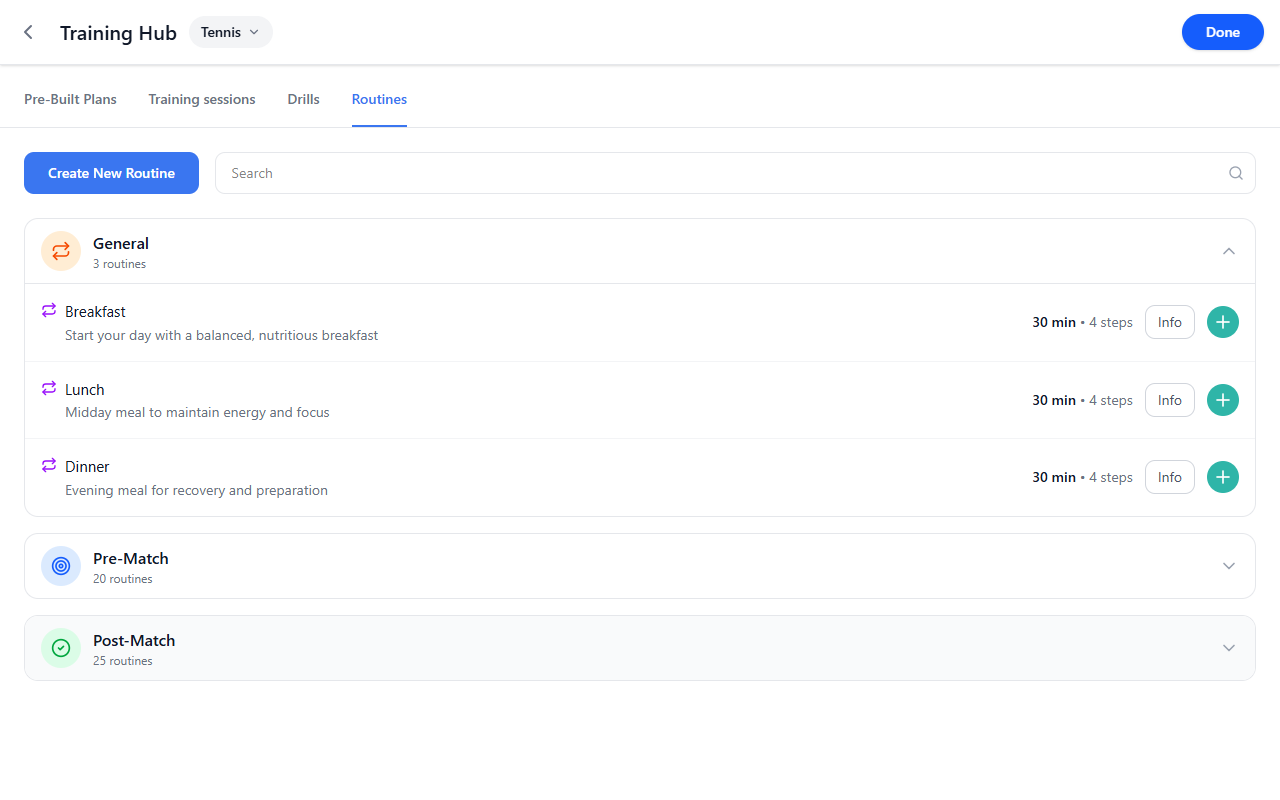
This is what makes the hub more than just a library. The content here can support real training work: drills can feed into practice planning, routines can help structure repeatable sessions, and saved materials can make it easier to build a session without starting from a blank screen.
This is especially valuable when building a session from Today or shaping a week in Development Plans, because it helps turn useful content into practical action.
Create your own structure over time
Even when users start from ready-made content, Training Hub supports a more personalized workflow over time.
Instead of relying only on generic materials, athletes and coaches can gradually build a set of saved drills, routines, and plans that match their own training priorities. This makes the library more useful the longer it is used.
The result is a training process that becomes more consistent, more personalized, and easier to repeat.
What happens next
Training Hub connects directly to the rest of the CoachEye workflow.
Once you find the right content, you can use it in a training session, return to it later from Saved, connect it to day-to-day work in Today, and use it as part of broader weekly planning in Development Plans.
That makes Training Hub a practical bridge between ideas and execution.
Tips
- Use Search when you already know the kind of drill or plan you need.
- Use filters to narrow the library when the result set is too broad.
- Save the items you return to often so they are easier to find later.
- Build your Saved area gradually — it becomes more useful as it reflects your own training priorities.
- Use Training Hub not only to discover content, but also to create more repeatable and methodical training.
Related guides
- Drills Collection — browse the drills library; read card markings and categories
- Training sessions — build session templates from drills; Focus, Key Elements, picker, Save Session
- Create New Drill — author drills and circuits in the wizard (Basics → Review)
- Today — use saved routines and session content in the daily workflow
- Add a session from Today — bring training content into the current day
- Development Plans — shape the week and connect it with reusable content
- Logbook — review completed work and see how training content plays out over time